Issue and receive with purity
Record gold or silver issued to a karigar with its purity, then record the finished jewellery received back with gross, stone and net weight. JewelBooks works out the pure metal balance so you can see what is still with the karigar.
Wastage and labour
Enter wastage and labour for each receipt and keep a clear history per karigar. Follow-up views show who has pending metal and for how long, which helps you ask at the right time.
- Metal issue and receipt vouchers
- Pure metal balance per karigar
- Wastage and labour records
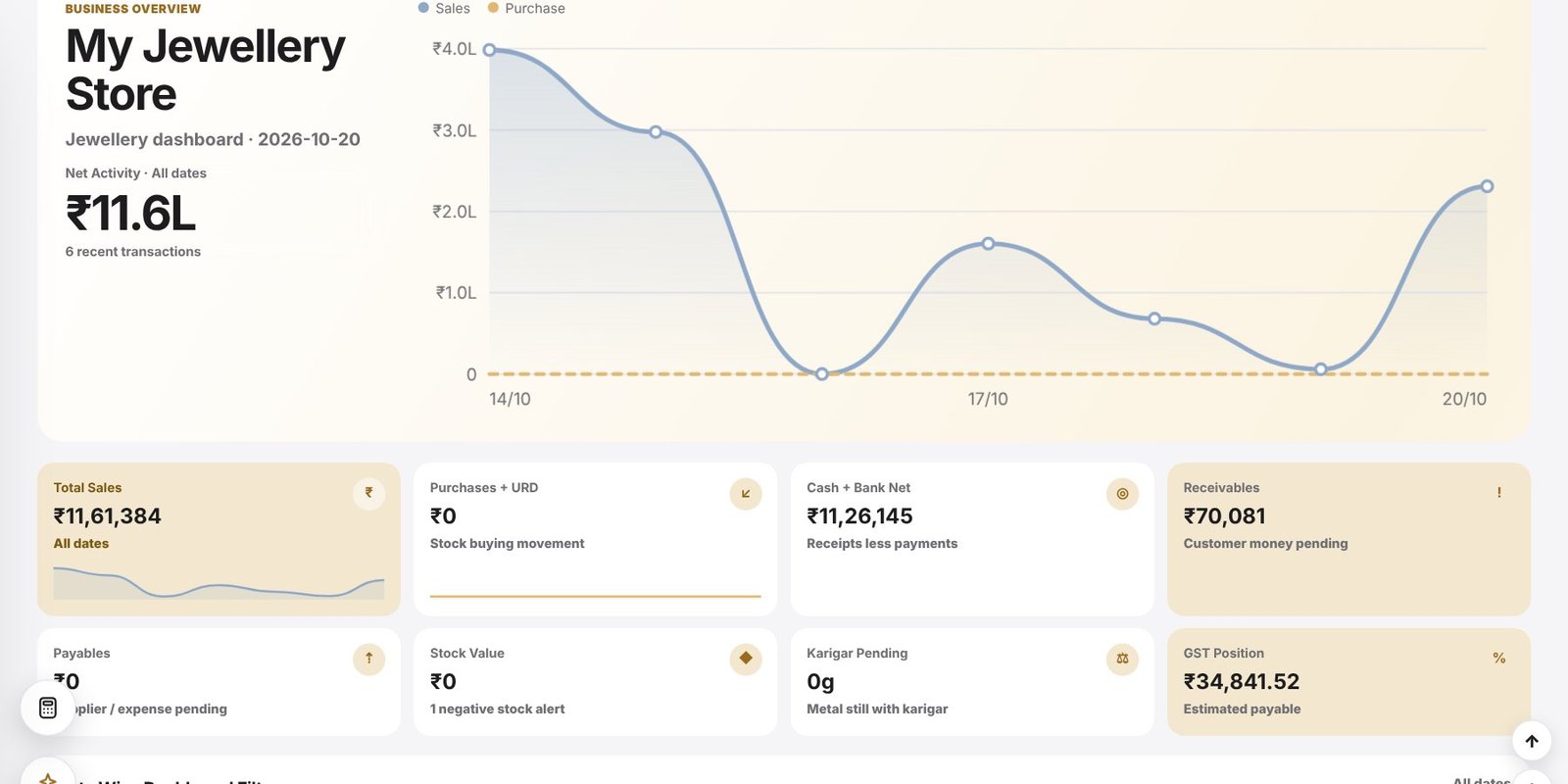
- Pending metal alerts on the dashboard
- Karigar follow-up agent
Straight into stock
Finished jewellery received from a karigar is added to your stock cards and can get a product QR tag immediately, so it is ready to sell the same day.
Frequently asked questions
Can I see how much metal is with each karigar?
Yes. The karigar view and the dashboard card show pending metal by karigar.
Does it track wastage?
Yes. Wastage and labour are recorded with each receipt.
Is received jewellery added to stock?
Yes. Received items update your stock cards and can be tagged with a product QR.